7 things that break AI shopping agents on your store
Date pickers, CAPTCHAs, JavaScript-only size selectors and more: the common reasons AI agents abandon online stores, and how to fix each one.
By Deni Bunfeld, Co-founder · · 6 min read
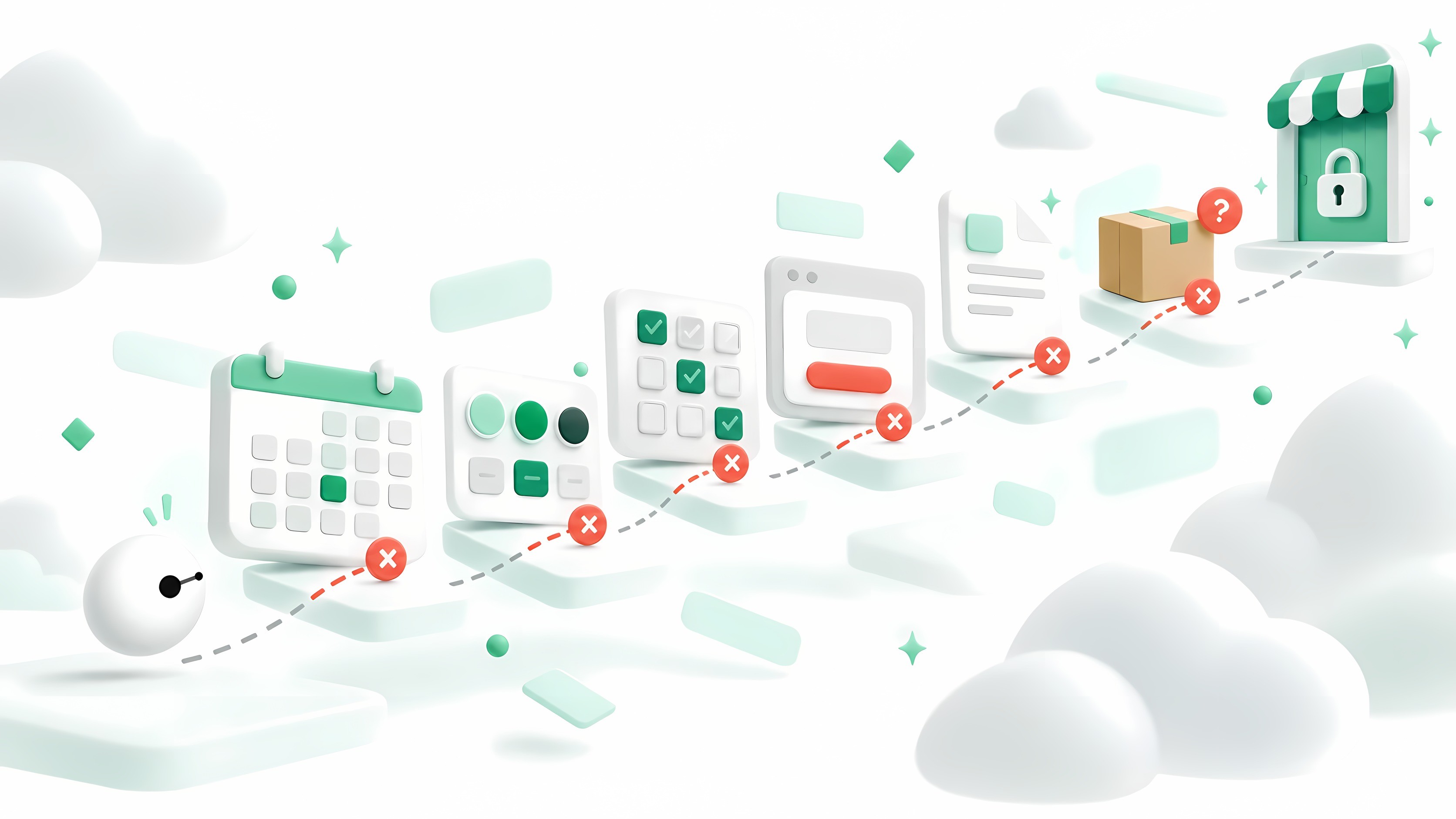
AI agents are starting to shop for people. A customer asks ChatGPT, Gemini or Perplexity to find a four-person outdoor sauna under $8,000 that can be delivered to Austin within three weeks, and an agent goes looking. It reads product pages, compares options and, more and more often, tries to complete the purchase itself.
That agent doesn’t see your store the way a person does. It reads the page’s text and code, and operates buttons, fields and menus one step at a time. When something is built only for human eyes and hands, it gets stuck. It doesn’t complain. It moves on to a store where it can finish the job. In your analytics, that looks like a short visit that bought nothing, if it shows up at all.
These are the seven things that most often stop an agent, what the agent experiences, and how to fix each one.
1. Custom date and delivery pickers
Calendars built from styled buttons and scripts look great to people. To an agent they’re a puzzle: which element is a date, which dates are available, and whether a click worked. Agents often page through months, fail to find a day they can select, and give up on any product that needs a delivery or appointment date.
Use a standard date field (<input type="date">) or a plain list of available dates, and state delivery windows in text: “Delivers in 5–7 business days” or “Earliest delivery: October 11”. An agent can read a sentence even when it can’t operate a widget.
2. Size and color selectors that only work with a click
Swatches and size buttons are often decorative elements wired up with JavaScript rather than real form controls. An agent looking for size 10 can’t tell they’re choices, or its selection doesn’t register, so the add-to-cart button stays disabled.
Build variant pickers from real form controls, such as radio buttons or a <select>, with clear labels like “Size 10” and “Color: Black”. Include each variant’s price and availability in your product’s structured data, so agents can read them without clicking.
3. CAPTCHAs and blanket bot blocking
Bot protection exists for good reasons, but most of it can’t tell a scraper from a shopper’s agent. A challenge on the product page, the cart or the checkout stops a legitimate agent at exactly the moment it’s about to buy.
Review your firewall and bot-protection rules. Rate-limit instead of blocking where you can, keep CAPTCHAs off product pages, and consider letting verified AI agents through. Several AI companies publish the user agents and IP ranges their agents use, so a request can be checked against the list of the company it claims to come from.
4. Pop-ups, cookie walls and newsletter modals
A modal that covers the page is a small annoyance to a person and a wall to an agent. If the agent can’t find the close button, or the page stays locked until it makes a choice, it never reaches the product or the checkout behind it.
Prefer banners that don’t block the page. Where a modal is required, give it a real button with a clear label, such as “Close” or “Accept”, that works immediately. Hold newsletter prompts until a visitor has spent some time on the site.
5. Key facts hidden in PDFs, images or tabs
Warranty terms in a PDF, dimensions in a product photo, a shipping policy behind a tab that loads on click: people find these, agents often don’t. If an agent can’t confirm the warranty or the size, it can’t recommend the product with confidence.
Put the facts buyers ask about in the page’s text: dimensions, materials, warranty length, return window. Mirror them in structured data (schema.org Product and Offer), and keep PDFs as extra detail rather than the only source.
6. Shipping costs and delivery dates only at checkout
Many shopping requests come with conditions, like “delivered by Friday” or “under $500 including shipping”. If your store reveals the shipping cost and delivery date only after an address is entered at checkout, the agent can’t check them early, and it may choose a store that states them up front.
Show a shipping estimate and a delivery window on the product page, even as a range by region. Add shipping and return details to your structured data (schema.org OfferShippingDetails and MerchantReturnPolicy), so an agent can answer “can it arrive in time?” without starting checkout.
7. Forced account creation
Requiring an account before checkout means inventing a password, confirming an email and sometimes solving a CAPTCHA. An agent acting for someone usually can’t, and shouldn’t, create accounts on their behalf, so the purchase ends there.
Offer guest checkout, and invite buyers to create an account after the order, when it’s optional.
How to find out which ones affect your store
These problems are hard to spot from the inside. Your store works fine for you, and standard analytics either filters agent visits out as bots or counts them as short sessions with no purchase. Assistants that fetch a page from their own servers never run its scripts, so script-based analytics doesn’t see them at all (how agents reach a store). There are three ways to check:
- Try it yourself. Ask an AI agent to find and buy one of your products, and watch where it stops.
- Read your server logs. Look for the user agents of AI companies such as OpenAI, Anthropic, Google and Perplexity (the common ones, by kind), and see which pages they reach and where they stop.
- Get a free agent audit. Parlox sends shopping agents through your store’s public pages the way real ones travel, and shows you where they fail, why, and what it’s likely costing you.
Every fix above also makes your store easier for people: clearer facts, fewer interruptions, a faster checkout. Agents just notice the problems first.
Questions store owners ask
Do AI shopping agents run JavaScript?
It depends on the kind of agent. When an assistant such as ChatGPT or Claude reads a page to answer someone, it fetches the page from its own servers and doesn’t run JavaScript, so anything that appears only after scripts run is invisible to it. Agents that drive a real browser, such as Gemini’s agent or Claude’s browser, do run JavaScript, but they still read and operate the page one step at a time, which is where the problems above stop them.
Can AI agents get past a CAPTCHA?
Usually not, and they aren’t meant to. When OpenAI launched its Operator agent, it said the agent is trained to ask the person to take over for logins, payment details and CAPTCHAs. So a challenge on the cart or the checkout stops the purchase until the person steps in.
If I block AI bots in robots.txt, are shopping agents blocked too?
Not necessarily, and you may block the wrong ones. AI companies use separate user agents for training, for search and for fetching a page someone asked about. OpenAI, for example, uses GPTBot for training, OAI-SearchBot for ChatGPT search and ChatGPT-User when a user asks it to visit a page, and says each setting is independent. OpenAI and Perplexity also say that fetches a user starts may not follow robots.txt at all. Blocking OAI-SearchBot, on the other hand, keeps your store out of ChatGPT’s search answers.
OpenAI’s crawlers · Perplexity’s crawlers · The AI agents Parlox recognises
See which of these affect your store.
We send shopping agents through your store’s public pages the way real ones travel, and show you where they fail, why, and what it’s likely costing you.